
From admin card (admit card) creation to fully proctored delivery, real‑time tracking & observer consoles, AI analysis & AI proctoring, Group Discussion (GD) and AI‑based Personal Interview (AI‑PI), through to result declaration — everything you need for secure, scalable exams.

Integrity
Face match, liveness, screen & device checks.
Delivery
Resilient centers, low‑bandwidth ready.
Coverage
MCQ, RC, case, subjective, FITB, MTF & more.
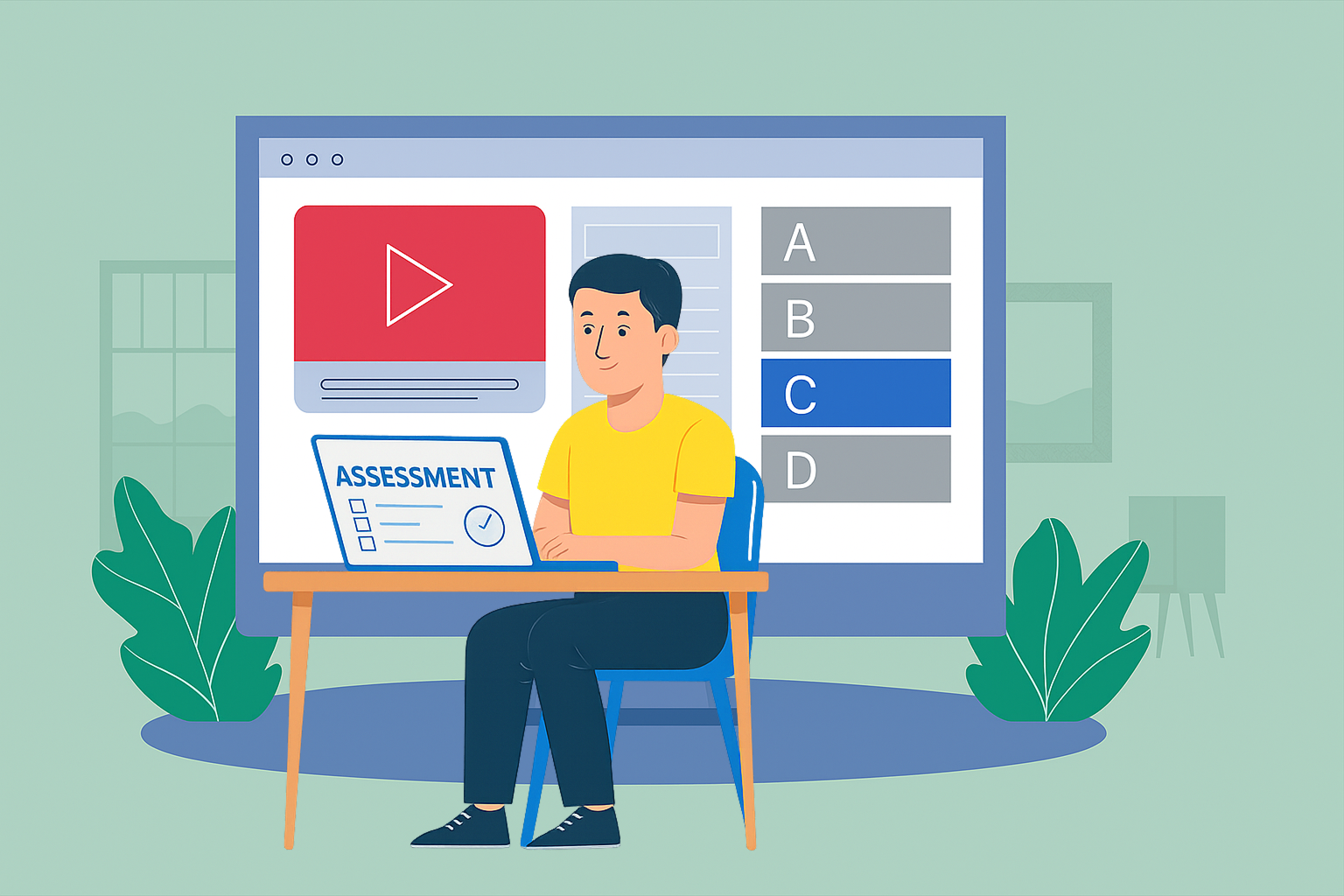
A cross‑platform desktop application for controlled test delivery: supports online & offline modes, with device health checks and configurable lockdown.
Secure exams directly in the browser with live/AI proctoring — ideal for distributed candidates and BYOD centers.

Generate & bulk‑dispatch admit cards with QR/Barcodes, instructions, and center/slot data.
Create programs, subjects, and slots; auto‑avoid clashes; seat allocation and capacity planning.
Item bank with metadata, difficulty, syllabus tags; blueprinting and randomization templates.
Audit logs, dual approval for paper publishing, secure keys, center readiness checklists, and policy locks.
Live candidate counts, attendance, exceptions, and health indicators with CSV/Excel/PDF exports.
Attendance capture, candidate notes, incident logging, and escalation workflows.
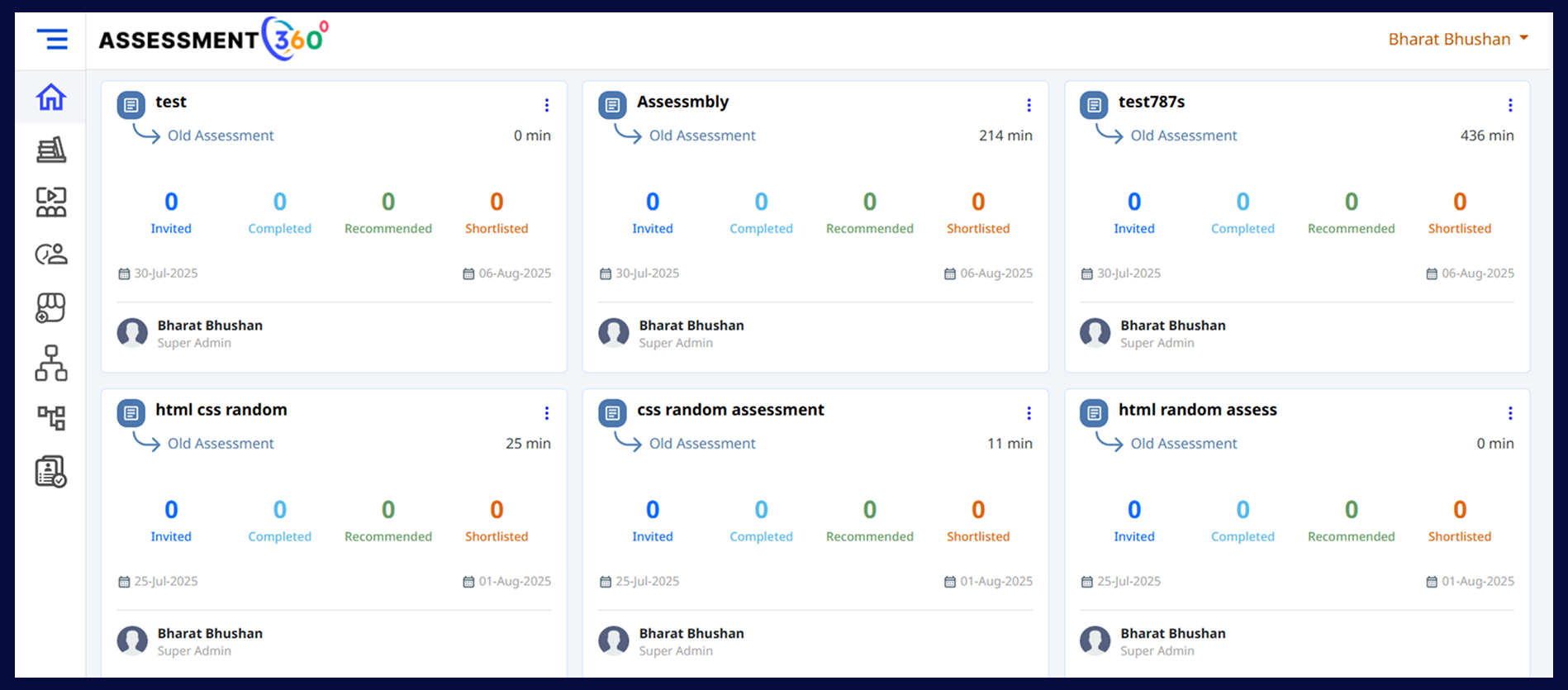
Photo ID capture, face verification, passive liveness; configurable retakes and manual override.
1:many and many:many rooms; chat to candidate; instant flagging; evidence clips; intervention tools.
Flag unusual gaze, multiple faces, device changes, mic/speech anomalies; prioritize review queue.
Disable switching, block apps/sites, prevent screenshots, detect VMs, and manage permitted apps list.
Consent flows, regional data routing, retention windows, and transparent review trails for fairness.
Monitor every exam in real time — see attendance, health checks, flags, and recordings without disturbing the candidate.

Single/multiple correct, negative marks, shuffling, and anchored options.
Passage + timed sub‑items; highlight‑based questions; per‑section timers.
Rich text, math (LaTeX), diagrams upload; rubric‑based evaluation; optional double‑blind.
Multi‑file stems, exhibits, and branched questioning; partial credit supported.
Exact/regex/keyword matches; tolerance & case options; synonyms mapping.
Matrix & pair styles; shuffle & distractors; drag‑and‑drop interactions.
Range & precision checks; units; calculator policy toggles.
Audio/video prompts; speaking/listening tasks; background upload support.
Sandboxed environments, test cases, file uploads; plagiarism checks.
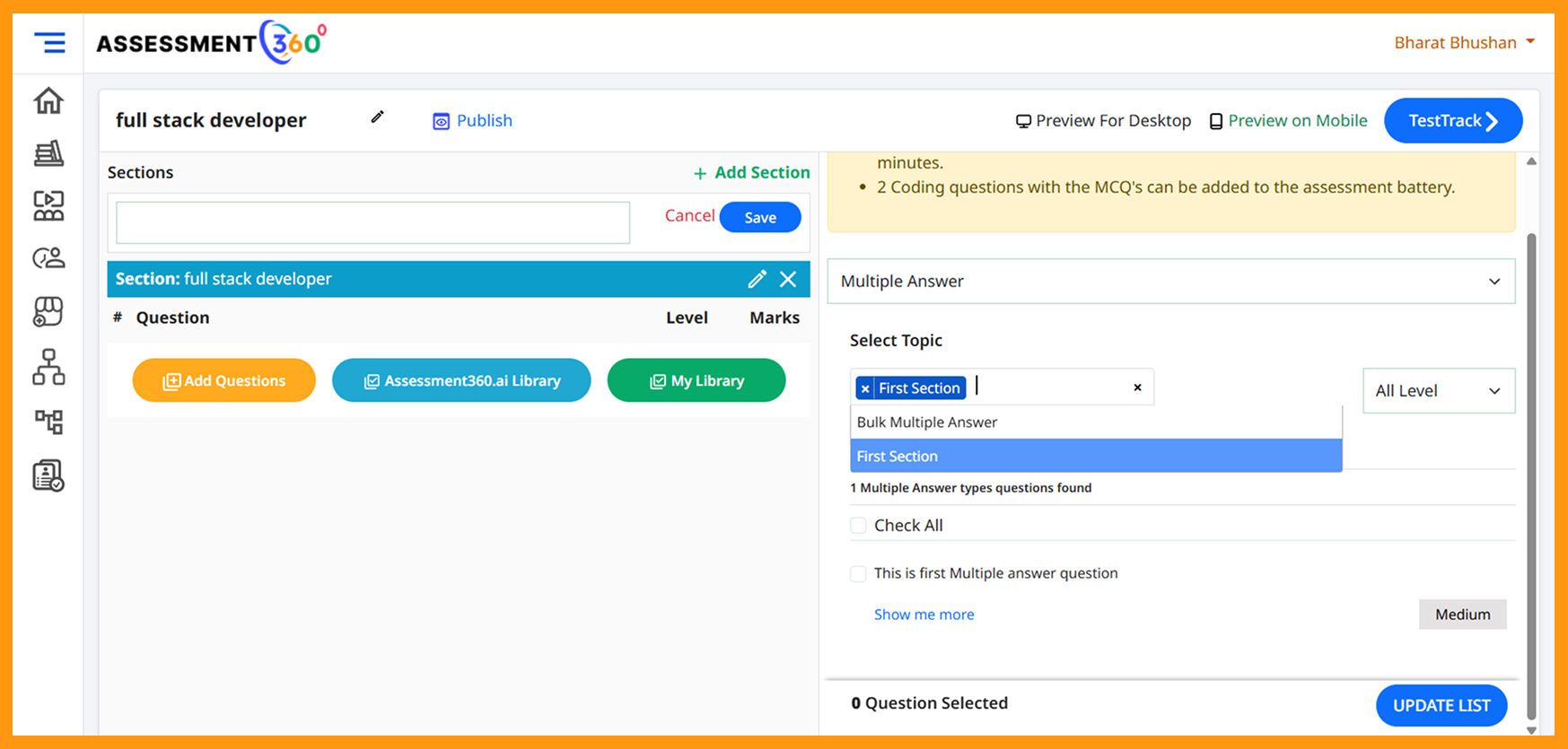

Conduct panel/group assessments with synchronized tools and AI assistance — while keeping human control over final decisions.
One‑click publish after QA/moderation with merit lists, cut‑offs, and rank generation.
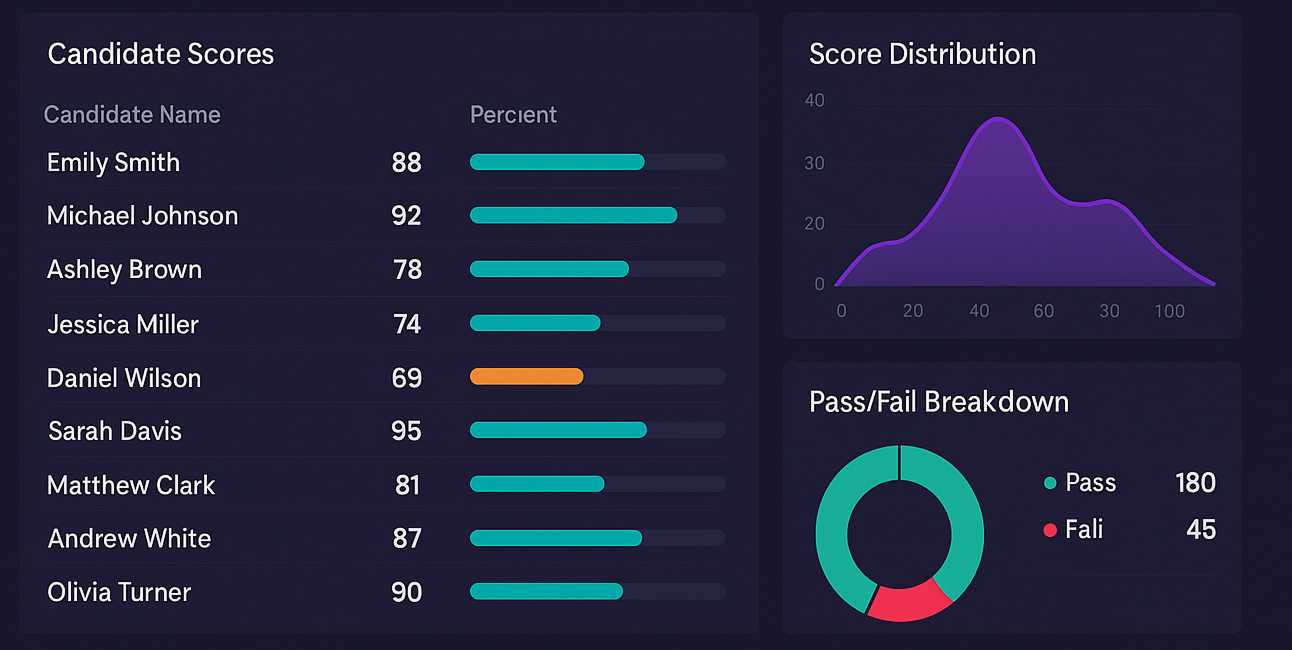
Score distributions, item analysis, DIF, section‑wise difficulty, and performance by center.
Secure candidate view, challenge windows, and audit‑ready change logs.
Talk to us about high‑stakes entrance & semester exams with live + AI proctoring, GD/AI‑PI, and a full admin suite.